Digital Legacy: Set Up Apple Legacy Contact, Google and Facebook
Photos, emails, documents and money increasingly live online. When someone dies without a plan, families can be locked out of years of photos, or left unable to close accounts. The major platforms now offer free legacy settings. Setting them up takes about ten minutes.
Apple: Legacy Contact
On an iPhone, go to Settings > [your name] > Sign-In & Security > Legacy Contact and add one or more people. Each receives an access key. After your death, a legacy contact can use the access key and a death certificate to request access to data stored in your Apple account, such as photos, notes and files. (Some items, like Keychain passwords, aren't included.)
Google: Inactive Account Manager
Visit myaccount.google.com and find Inactive Account Manager (under Data & privacy). You choose:
- how long your account must be inactive before the plan starts (for example, 3 to 18 months)
- who should be notified
- which data they can download (Gmail, Photos, Drive and more)
- whether the account should then be deleted
Facebook and Instagram
On Facebook, open Settings > Memorialization settings to choose a legacy contact, who can manage a memorialized profile (for example, pin a tribute post or update the profile photo), or choose to have your account deleted after death. Instagram accounts can be memorialized or removed by request from family.
Your password manager
Many password managers have an emergency access feature: you name a trusted person, who can request access, and you can set a waiting period. This is often the single most useful step.
Don't forget
- The phone passcode. Without it, many other accounts are out of reach.
- Two-factor codes. If codes go to your phone number, your family should keep the line active.
- Accounts with money: PayPal, Venmo, crypto exchanges, gift card balances, airline miles.
- Paid subscriptions that will keep billing.
Write it down
Record in your binder which settings you've set up, who you named, and where your password plan is (see how to leave passwords for family).
The Just-In-Case Life Binder includes a digital life page and a spreadsheet for every online account and what should happen to it.
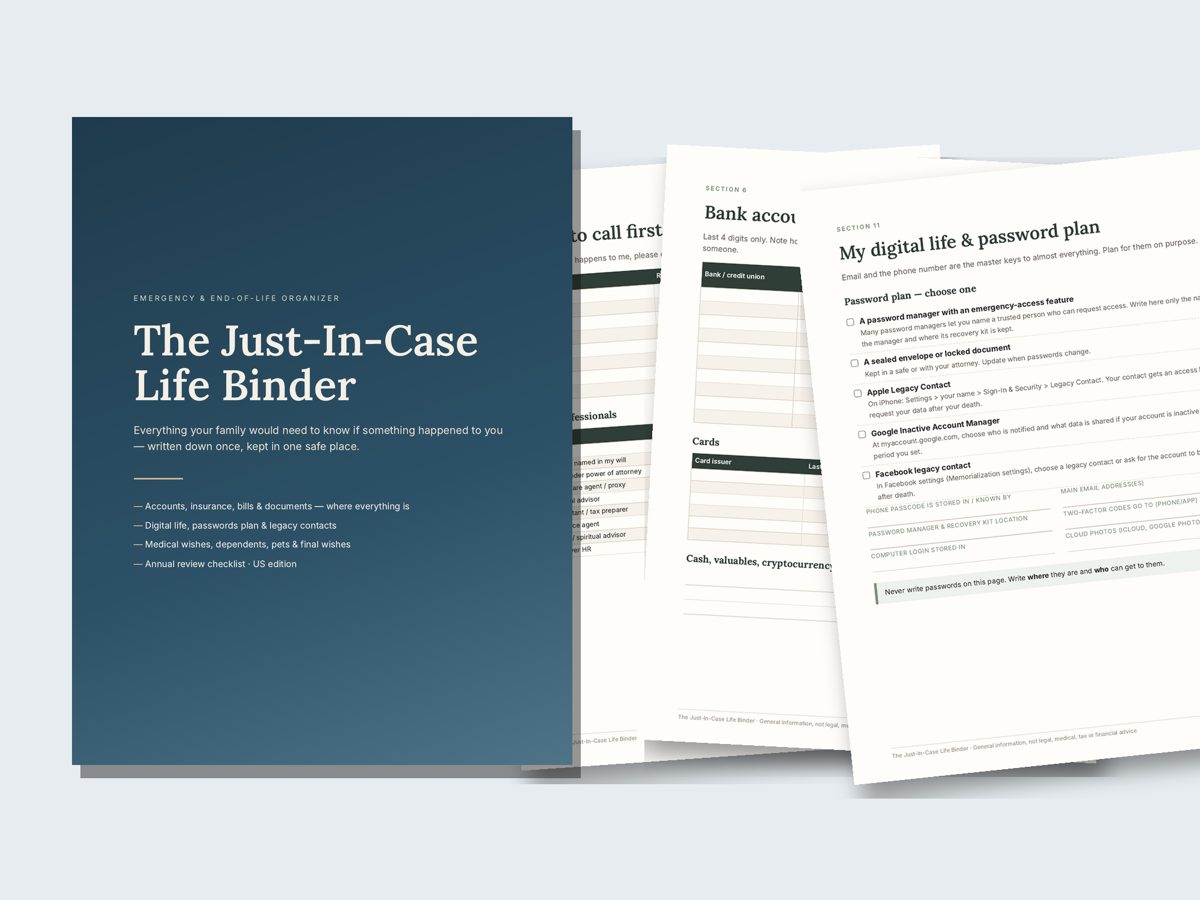
Just-In-Case Life Binder — $17
19-page printable binder for everything your family would need to know, plus letter of instruction templates and a life inventory spreadsheet. Instant download: PDF + DOCX + XLSX.
Get the Just-In-Case Life BinderFamily Paperwork Bundle — $34More guides
- In Case of Death Binder: What To Include (Complete Checklist)
- What Your Family Needs To Know If You Die: 10 Things To Write Down Now
- How To Leave Passwords for Your Family Safely
- Beneficiary Designations Usually Override Your Will: Check These Accounts
- Letter of Instruction: Example and Template
- End-of-Life Planning Checklist: Get Your Affairs in Order
- Important Documents To Keep and Where To Store Them
- Emergency Binder for Aging Parents: What To Ask and Write Down
- Estate Planning Checklist for Young Families (Start Here)