How To Leave Passwords for Your Family Safely
After a death, families often discover that almost everything is locked behind a phone passcode, an email password or a two-factor code. At the same time, writing every password in a notebook is a security risk. Here's a middle path.
Option 1: a password manager with emergency access
Many password managers let you name a trusted person who can request access to your vault in an emergency, often after a waiting period you choose. In your binder, write only:
- which password manager you use
- where the recovery kit or emergency sheet is kept
- who you've named as emergency contact
Option 2: a sealed envelope
Write the master password (or the handful of critical passwords) on paper, seal it, and keep it in a home safe or with your attorney. Update it when passwords change. Again, write in your binder only where the envelope is.
Use the built-in legacy settings
The big platforms have tools for exactly this:
- Apple Legacy Contact. On iPhone: Settings > [your name] > Sign-In & Security > Legacy Contact. The person you choose gets an access key they can use, with a death certificate, to request access to your Apple account data.
- Google Inactive Account Manager. At myaccount.google.com, choose who is notified and what data is shared if your account is inactive for a period you set.
- Facebook legacy contact. In Facebook's memorialization settings, choose a legacy contact to look after a memorialized profile, or ask for the account to be deleted after death.
See digital legacy settings for more.
Don't forget the phone itself
- Who knows the phone passcode? Many people share it with a partner.
- Where do two-factor codes go? If they go to your phone number, your family should keep the line active until accounts are handled.
What not to do
- Don't write passwords in the binder itself in plain text.
- Don't email passwords to family.
- Don't put them in a note on the same phone that's locked.
The rule of thumb
Write where, not what. Your binder should tell your family where the keys are and who can get to them, not hold the keys itself.
The Just-In-Case Life Binder includes a password-plan page and a digital accounts spreadsheet with "what should happen" for each account.
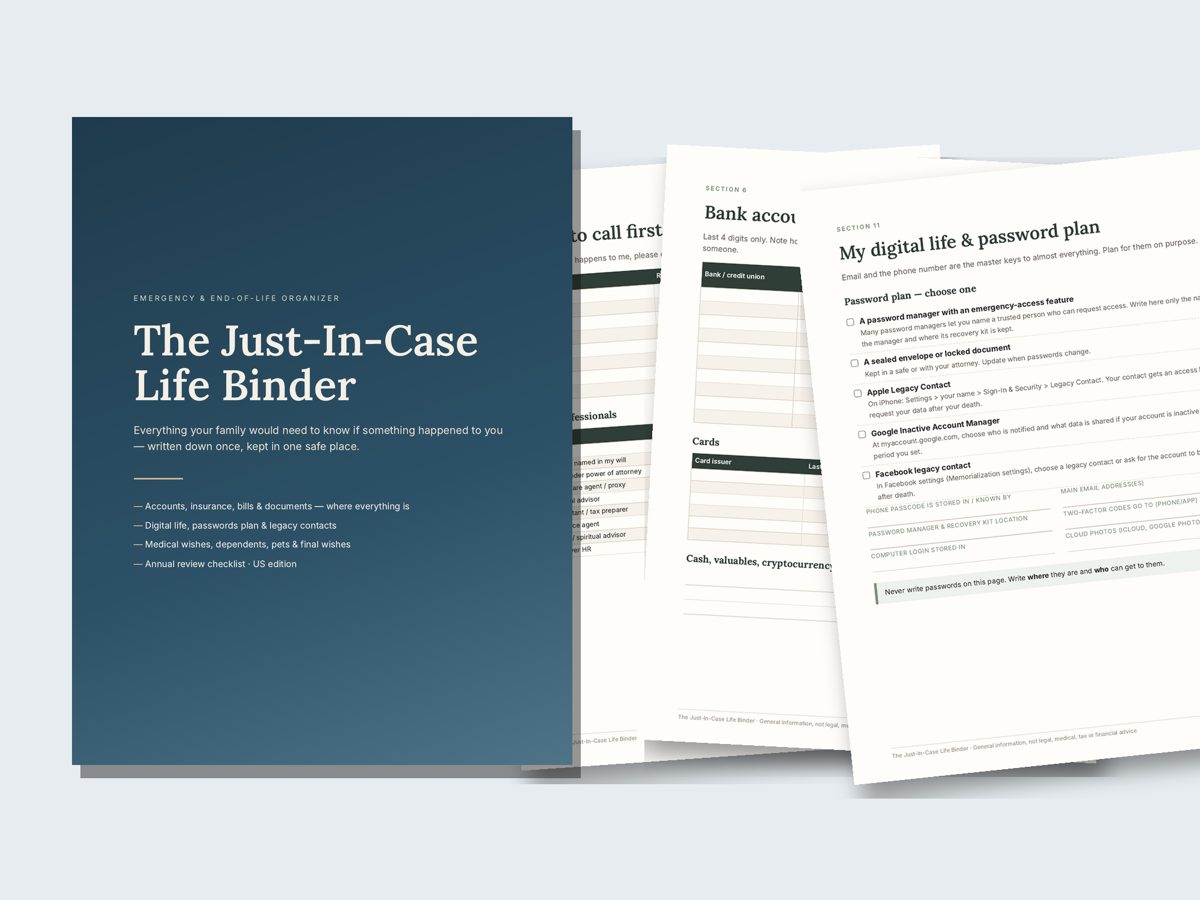
Just-In-Case Life Binder — $17
19-page printable binder for everything your family would need to know, plus letter of instruction templates and a life inventory spreadsheet. Instant download: PDF + DOCX + XLSX.
Get the Just-In-Case Life BinderFamily Paperwork Bundle — $34More guides
- In Case of Death Binder: What To Include (Complete Checklist)
- What Your Family Needs To Know If You Die: 10 Things To Write Down Now
- Beneficiary Designations Usually Override Your Will: Check These Accounts
- Letter of Instruction: Example and Template
- Digital Legacy: Set Up Apple Legacy Contact, Google and Facebook
- End-of-Life Planning Checklist: Get Your Affairs in Order
- Important Documents To Keep and Where To Store Them
- Emergency Binder for Aging Parents: What To Ask and Write Down
- Estate Planning Checklist for Young Families (Start Here)